
App: Asha International Universe · Published by Unique Solutions
Delete your account
You can ask us to delete your Asha International Universe account and the personal data linked to it. You do not have to install or open the app to do this.
How to delete your account
- In the app or on our website: sign in, open Account, then Privacy & delete account, enter your password and press “Request account deletion”.
- Or from this page, without signing in: fill in the form below. We check that the account is yours with a code (by SMS or email) or, if you prefer, by a phone call from our team.
- We complete the request within 30 days and tell you by SMS or email when it is done.
Ask for deletion
What we delete
- Your profile: name, mobile number, email, business name and GST number.
- Your saved addresses, wishlist and shopping cart.
- Your profile photo, if you added one.
- Your reward points. They cannot be used or moved after deletion.
- Your sign-in details and the record of messages we sent you.
What we keep, and for how long
- Orders, tax invoices and credit notes stay as they were issued, because tax law requires us to keep them. We keep them for 8 years and then delete them.
- Complaint and return records stay, without your name and contact details.
- Backup copies are replaced automatically as newer backups are made.
Before you delete
- Orders that are not delivered yet, refunds and open returns must be finished first. We will tell you if something is still pending.
- Deleting is permanent. You cannot sign in to this account again and it cannot be brought back. You can create a new account later.
- Only logging out or leaving the app does not delete your account.
Need help?
Write or call us and we will help you with the request.
Email: aiubelagavi@gmail.com
Phone: 8149666745
Grievance officer: Ashish Mane, aiubelagavi@gmail.com
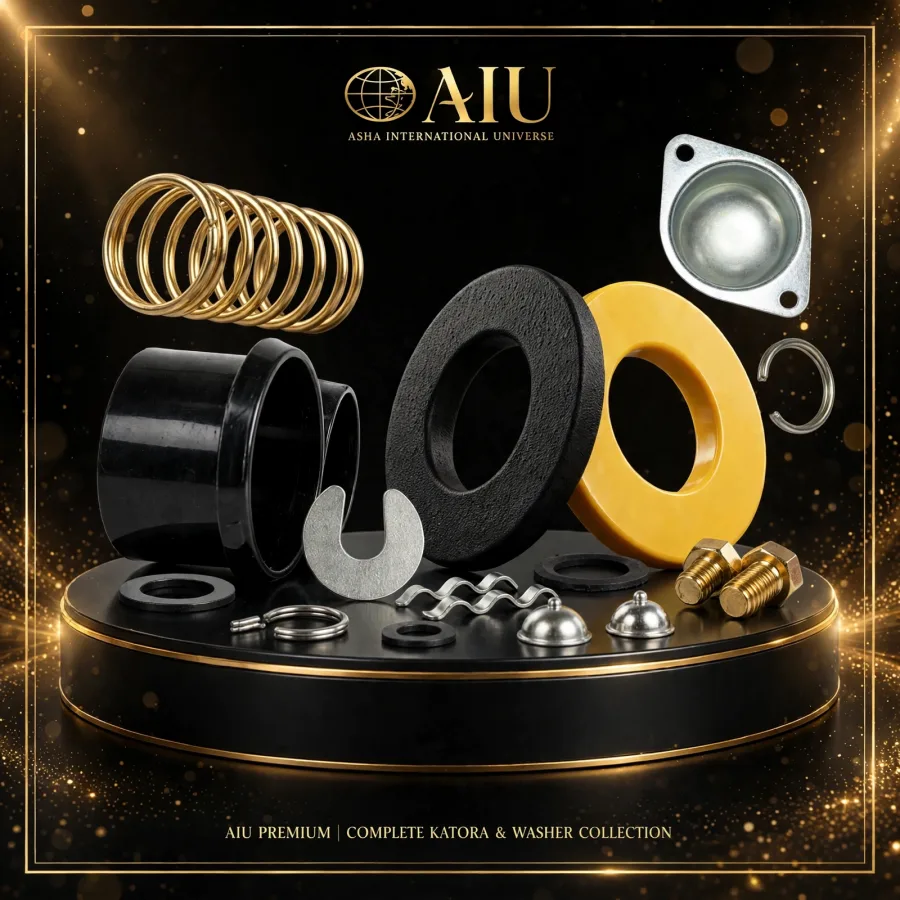 STARTER MOTOR MIX SMALL PARTS
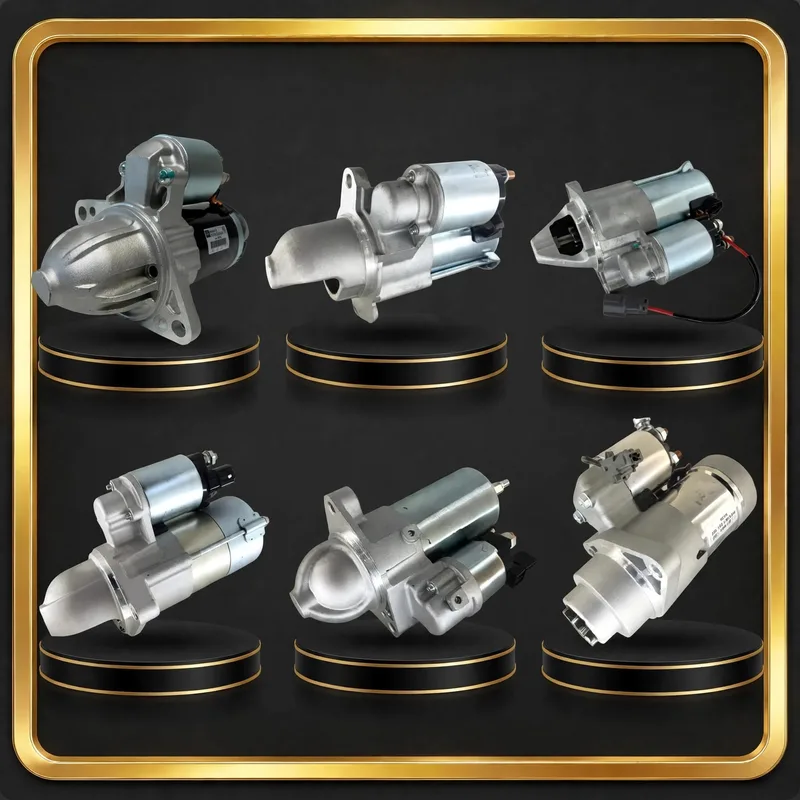 STARTER MOTORS
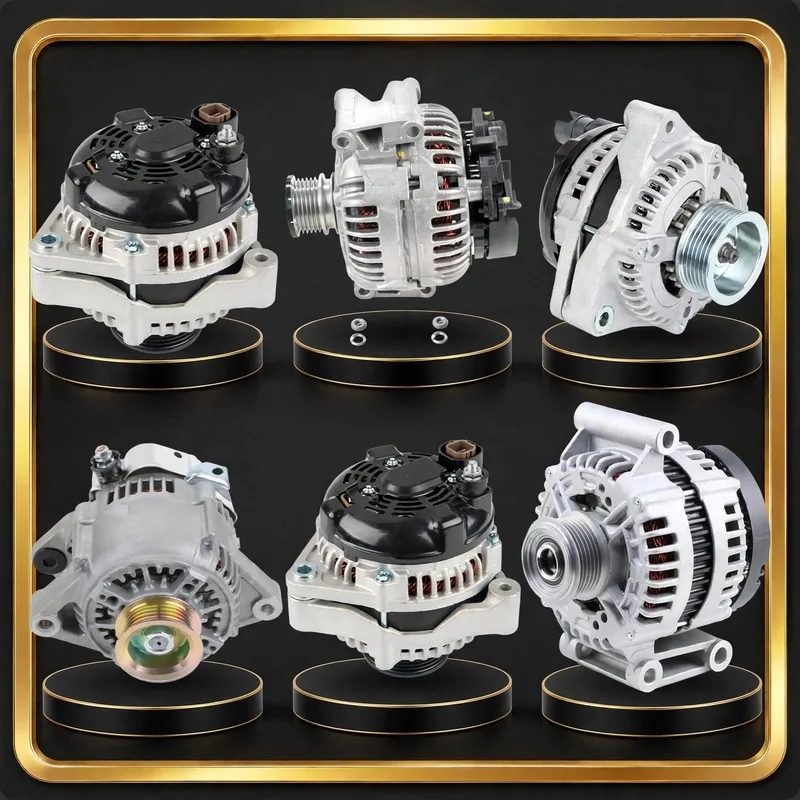 ALTERNATORS
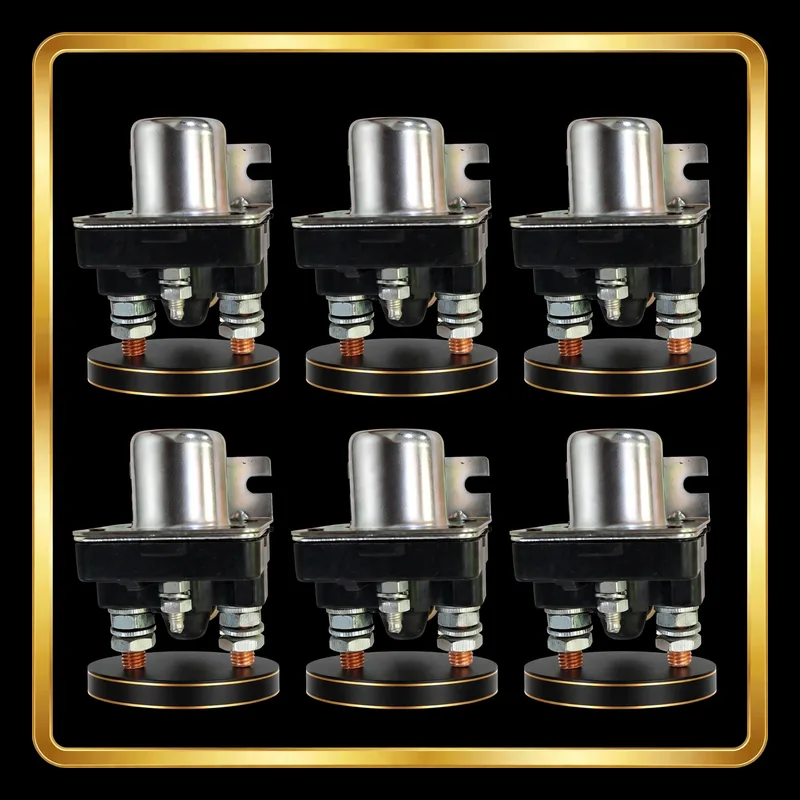 RELAY / 4ST SWITCH
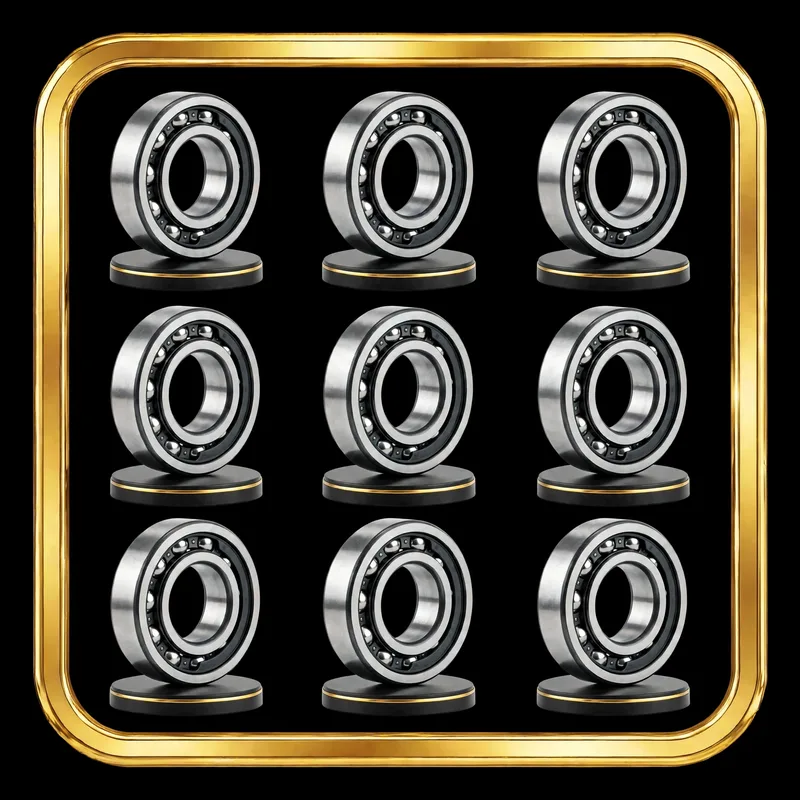 AIU BEARINGS
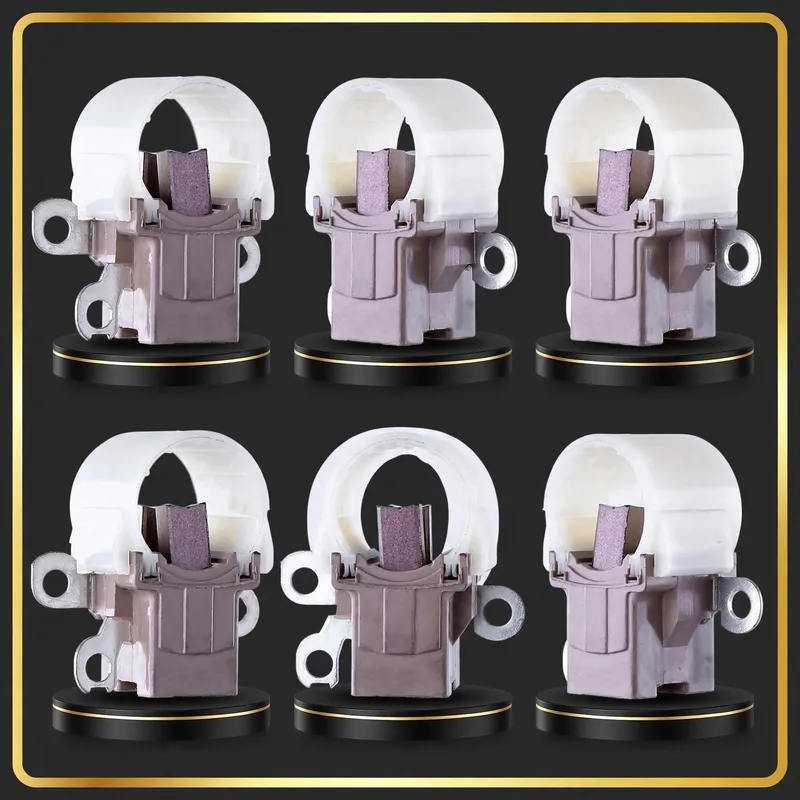 ALTERNATOR BRUSH HOLDER
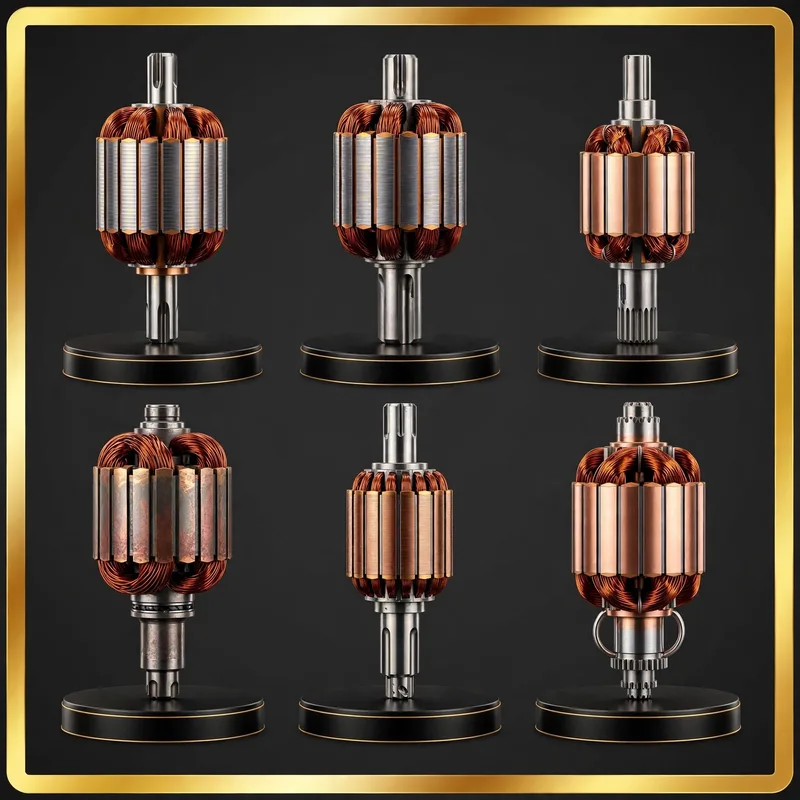 ARMATURE
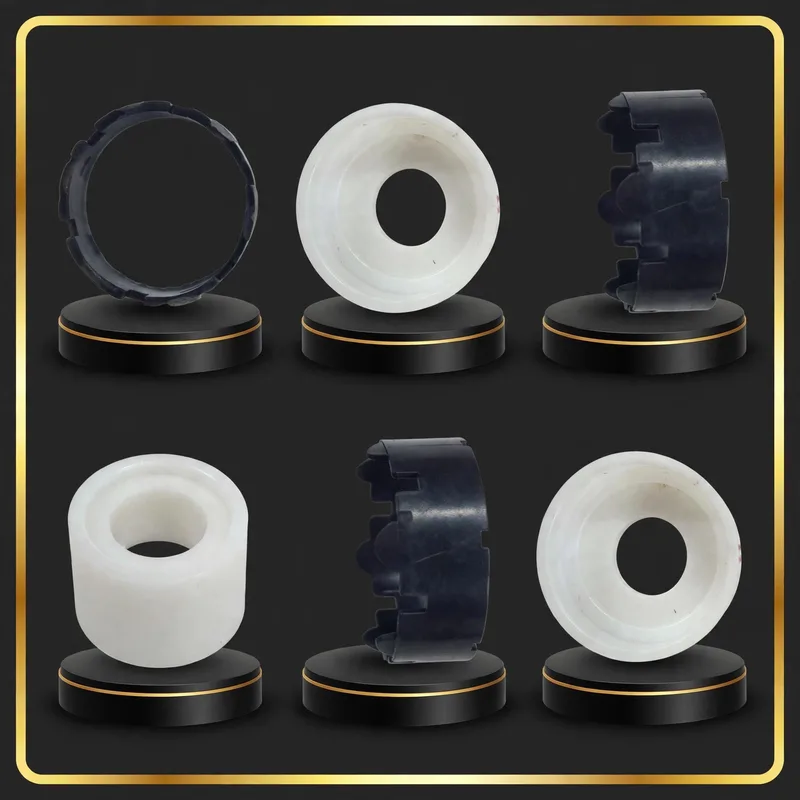 BEARING SLEEVE
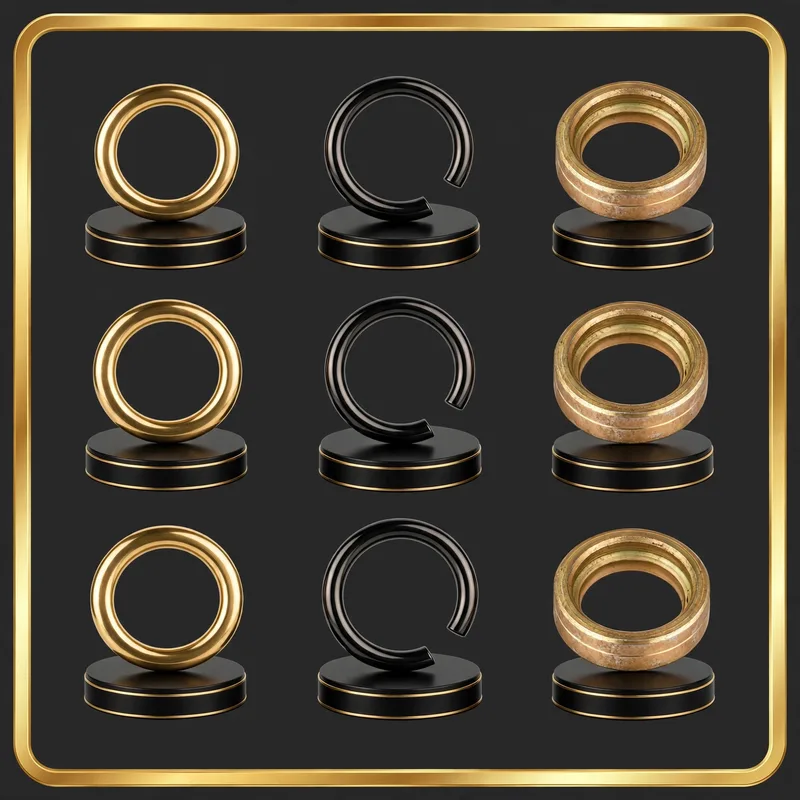 BENDIX LOCK
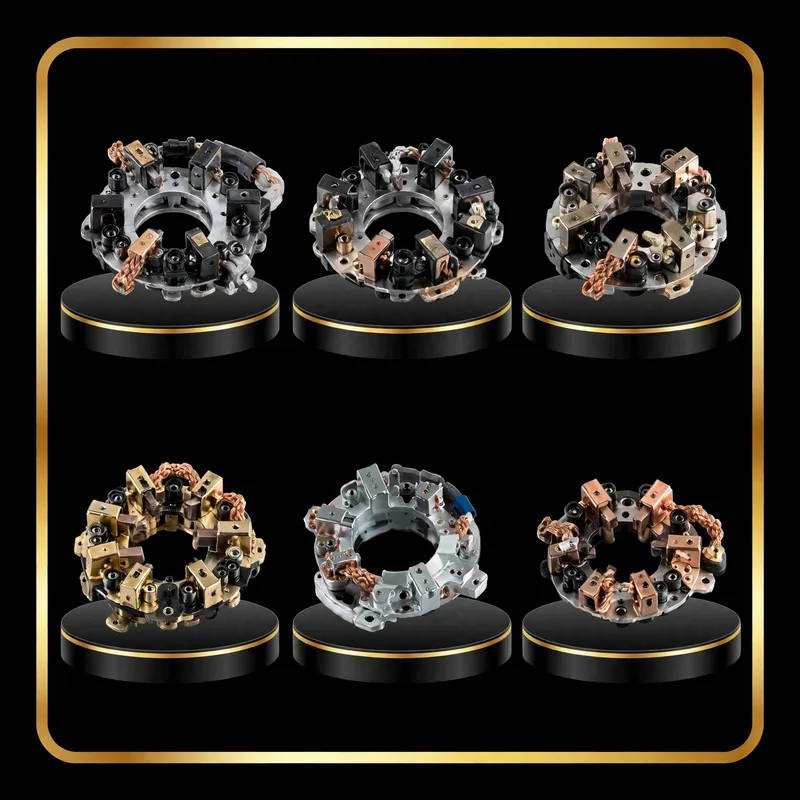 BRUSH HOLDER / ROCKER
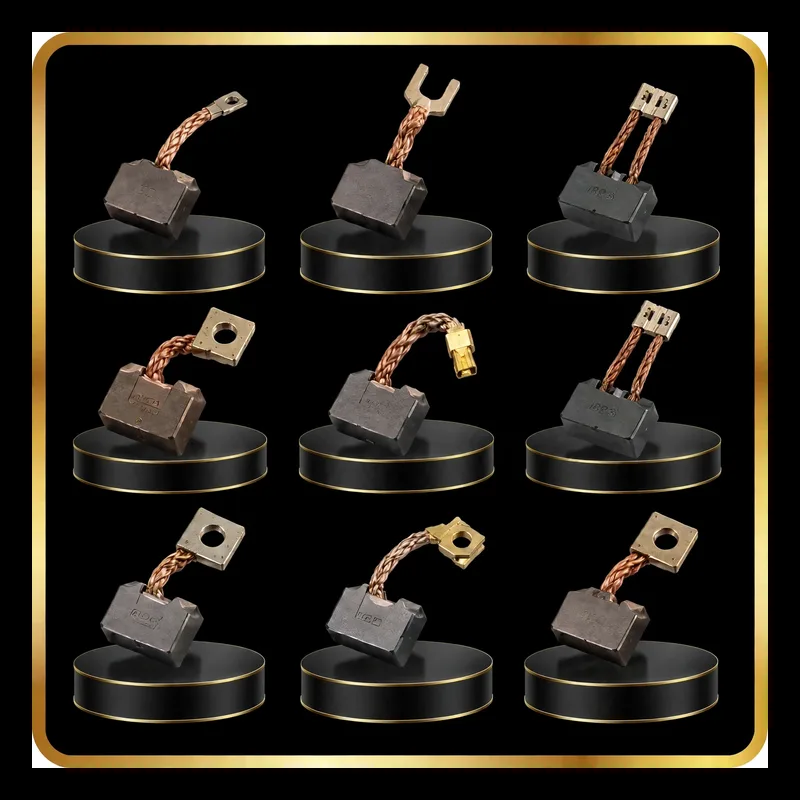 CARBON BRUSH SET
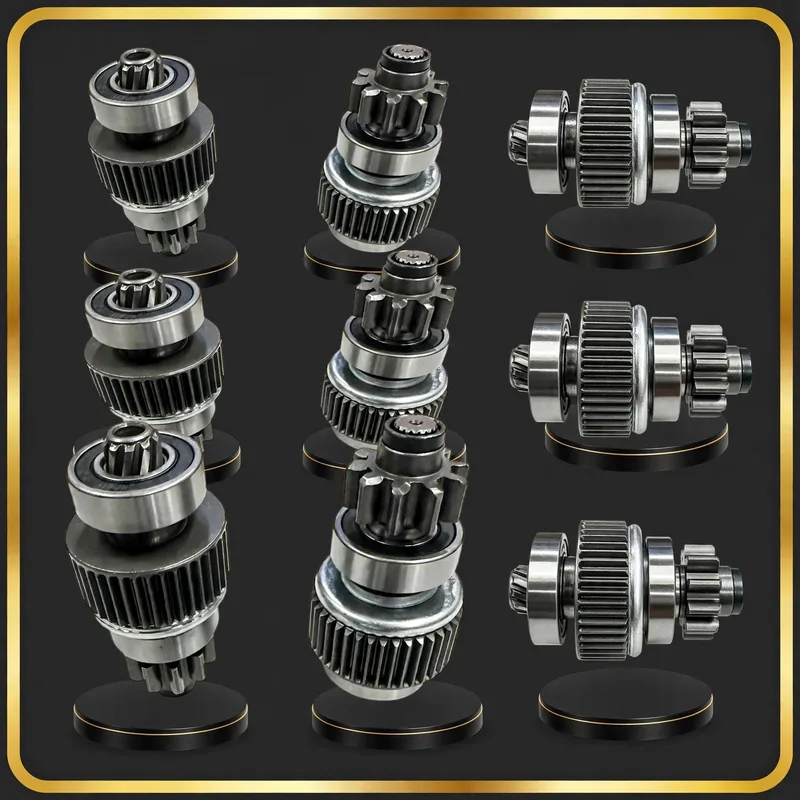 DRIVE / BENDIX
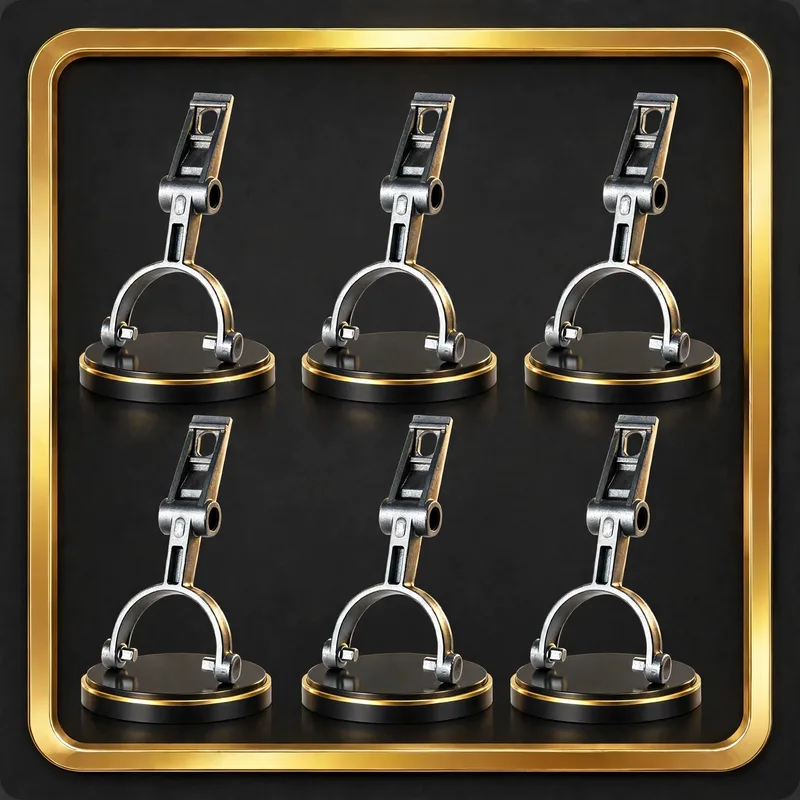 ENGAGING LEVER / FORK
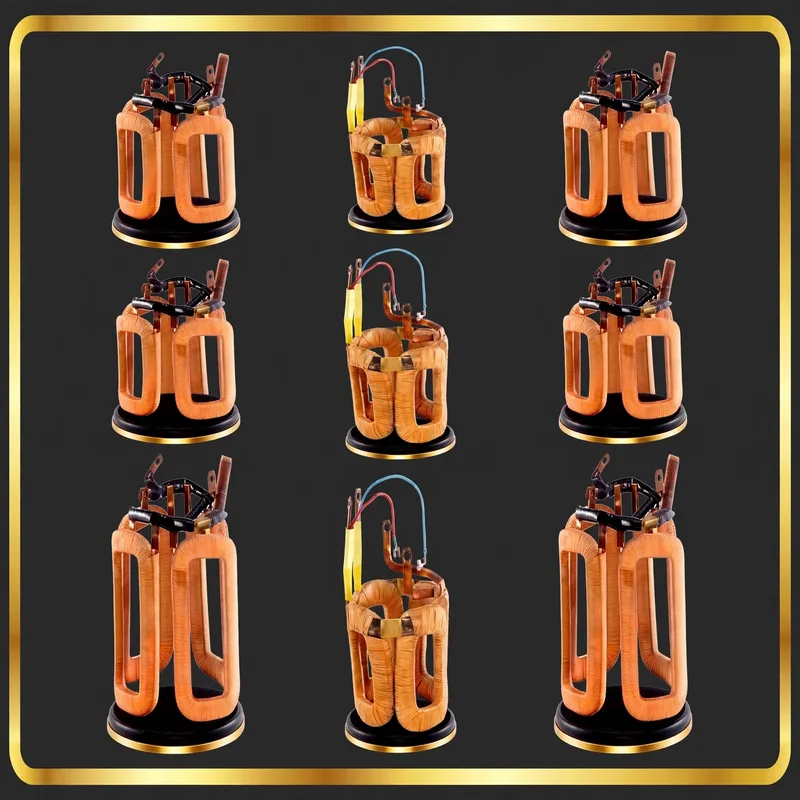 FIELD COIL
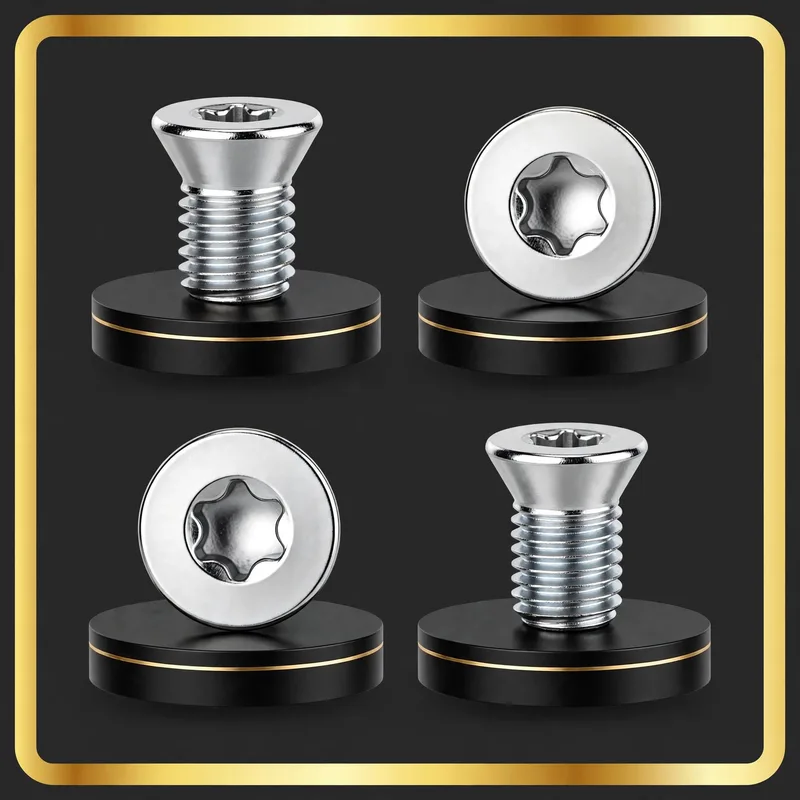 POLE SCREW
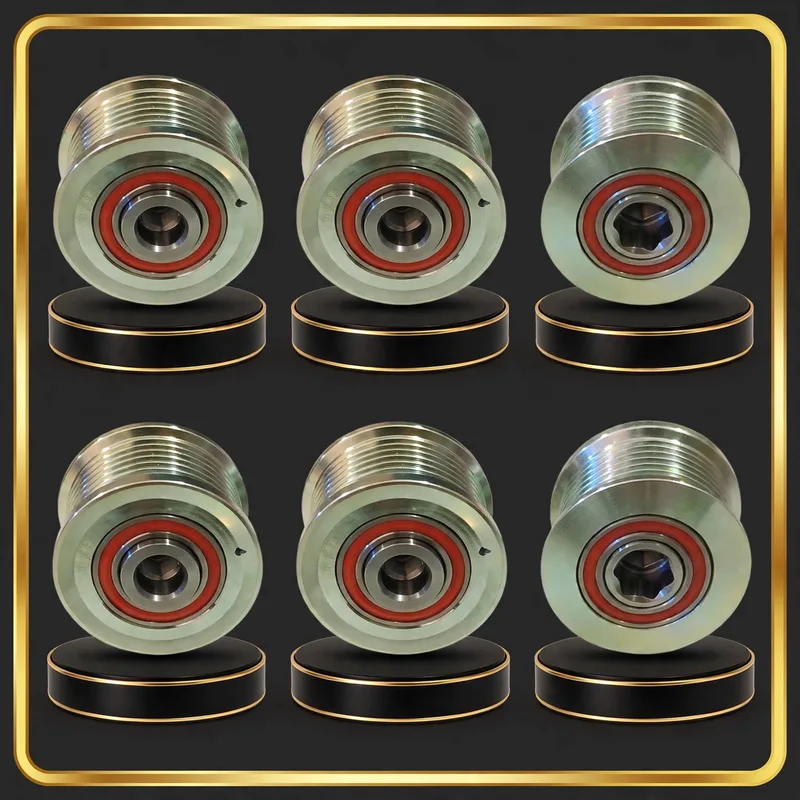 PULLEY
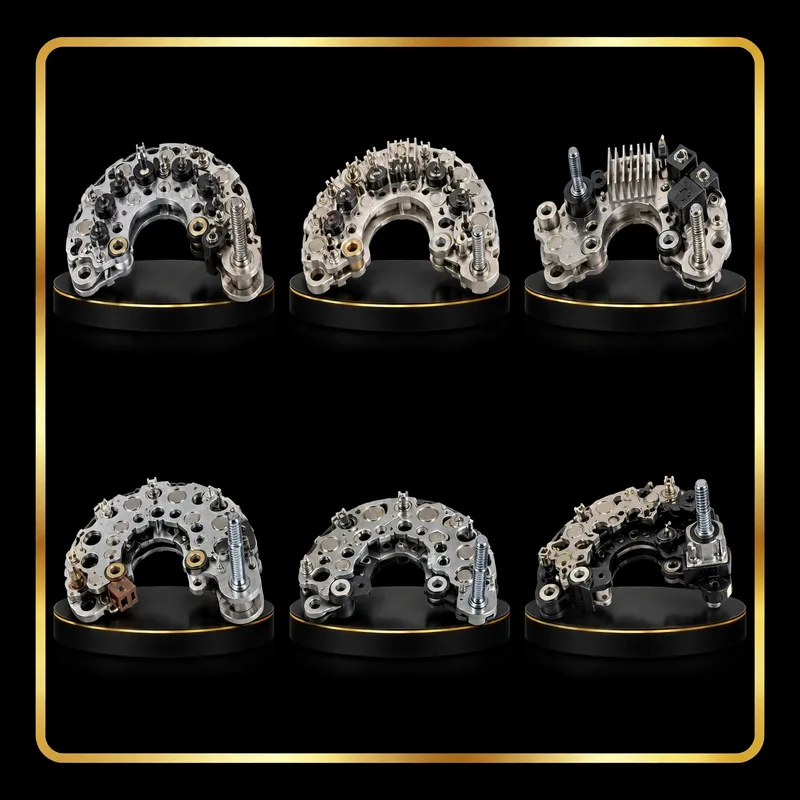 RECTIFIER / DIODE PLATE
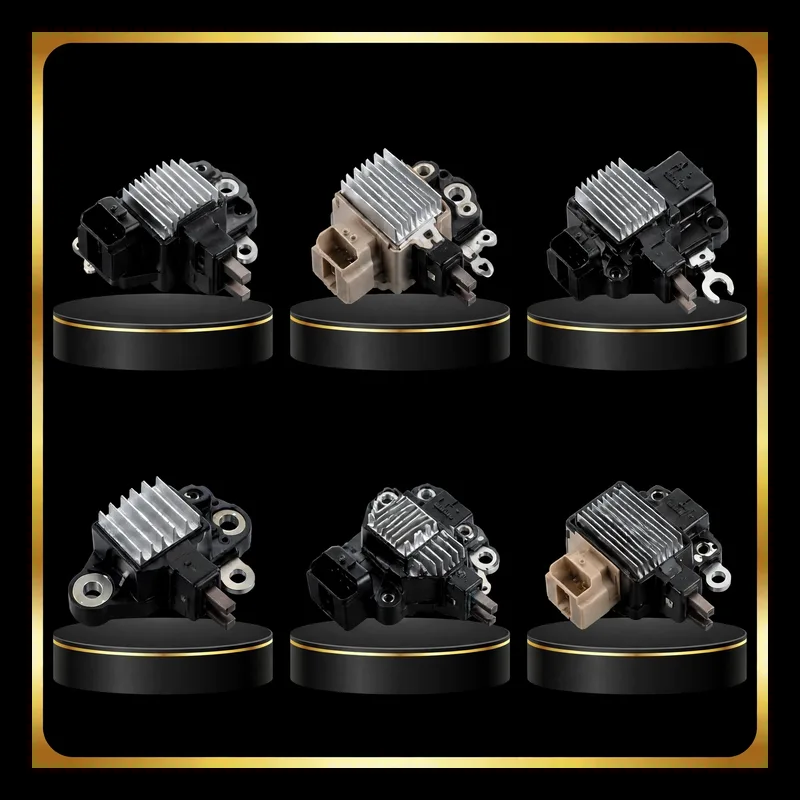 REGULATOR / CUTOUT
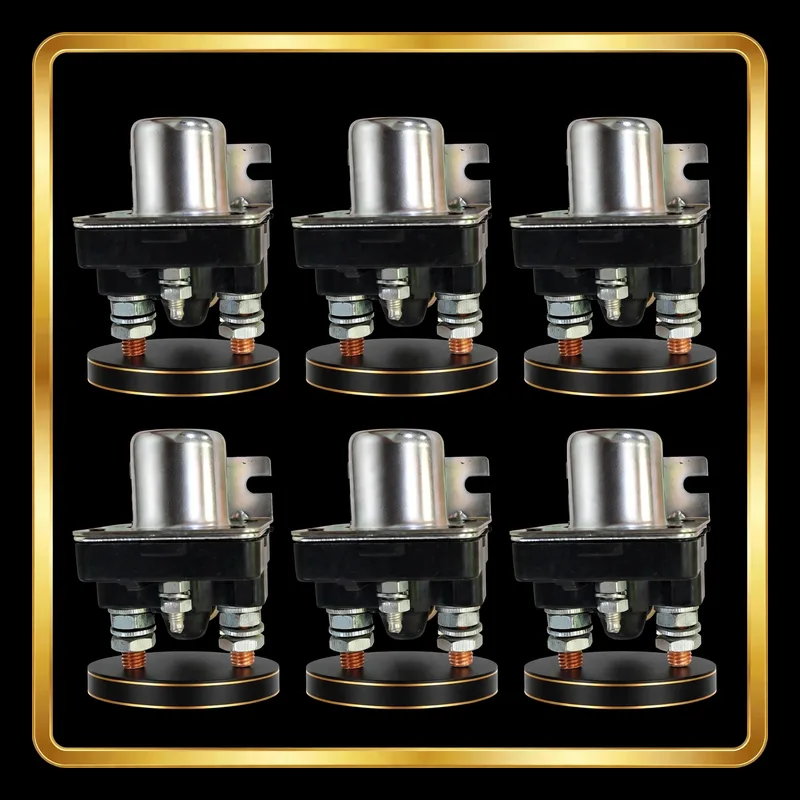 RELAY SOLENOID
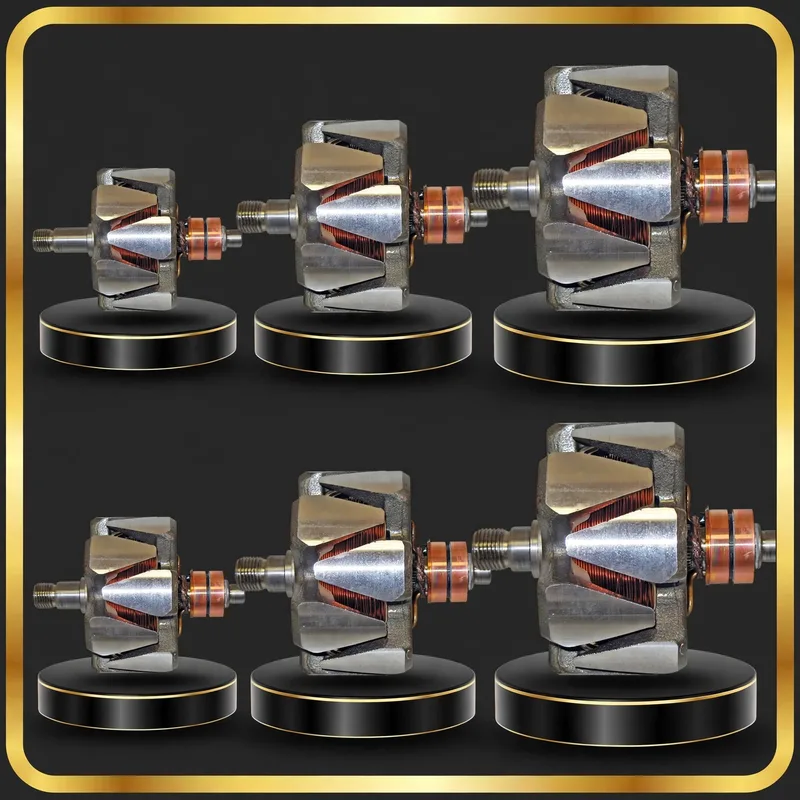 ROTOR
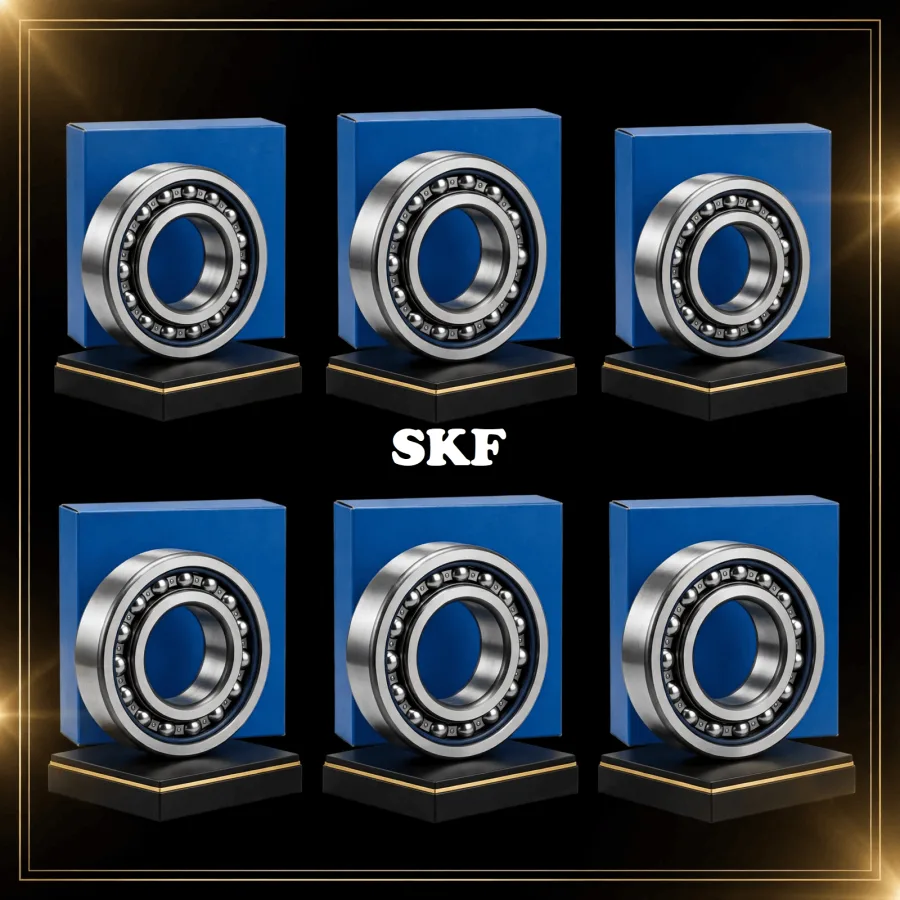 SKF BEARING
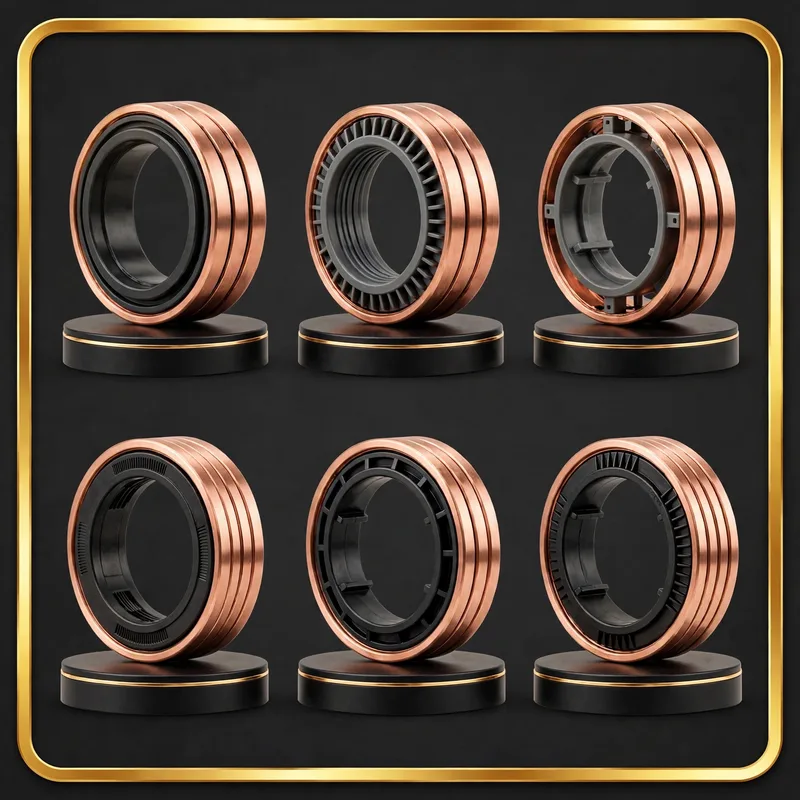 SLIPRING
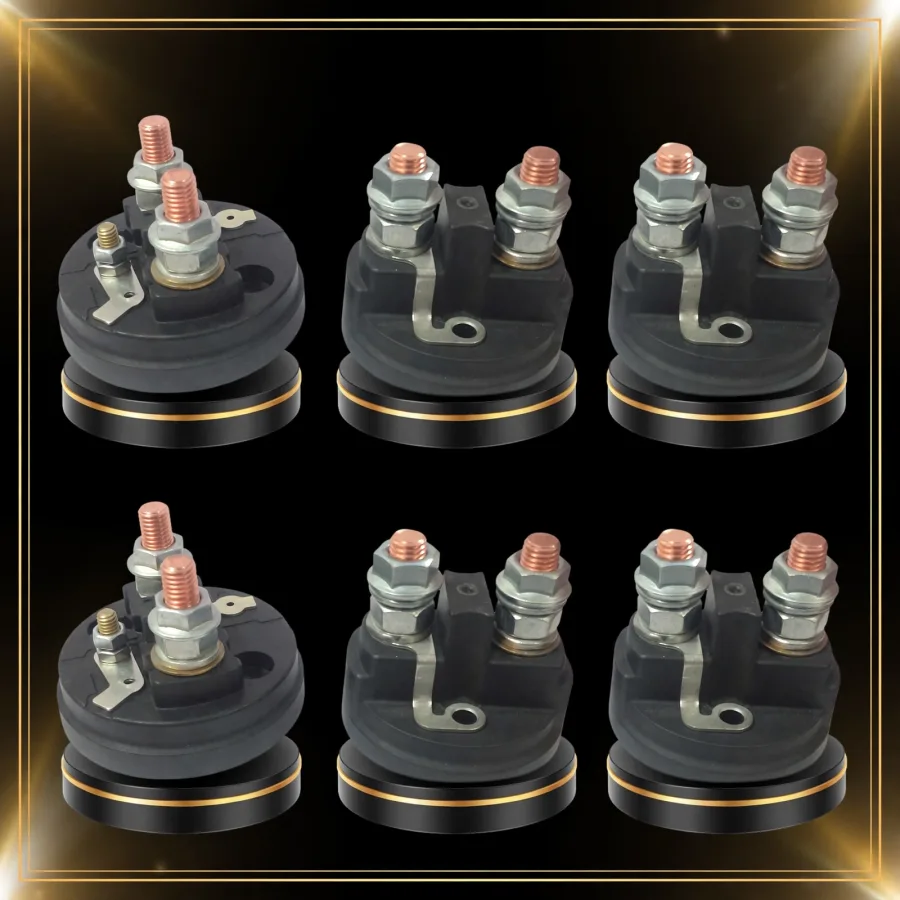 SOLENOID CAP
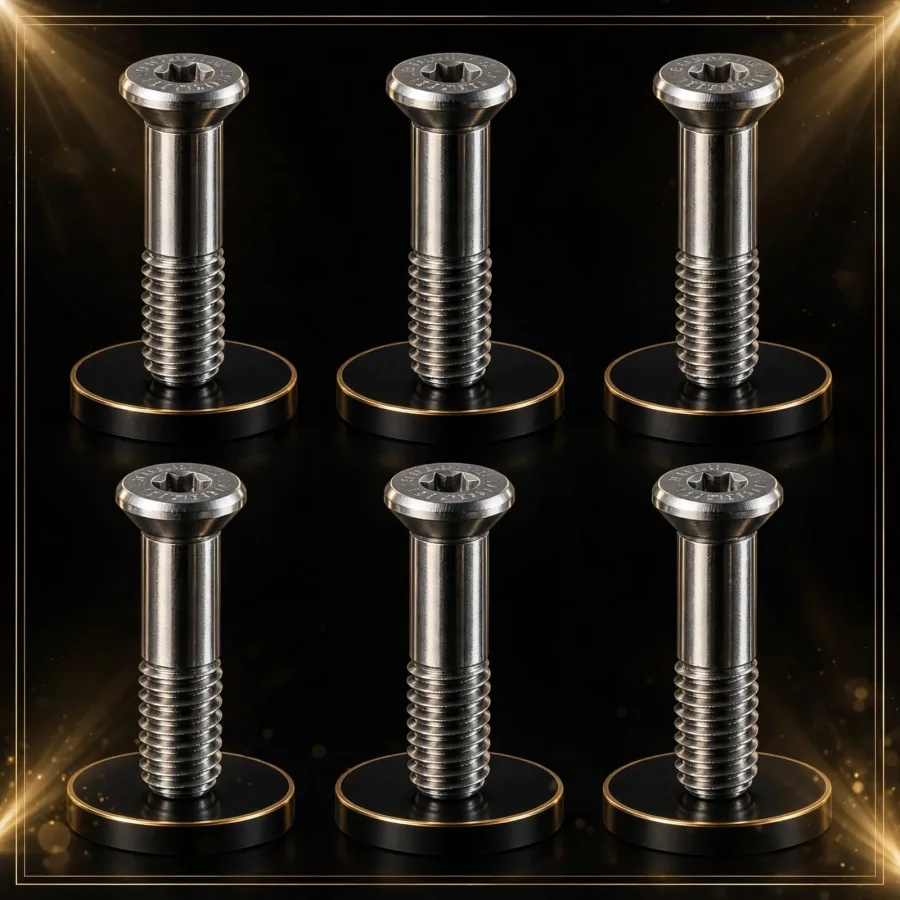 SOLENOID SCREW / BOLT
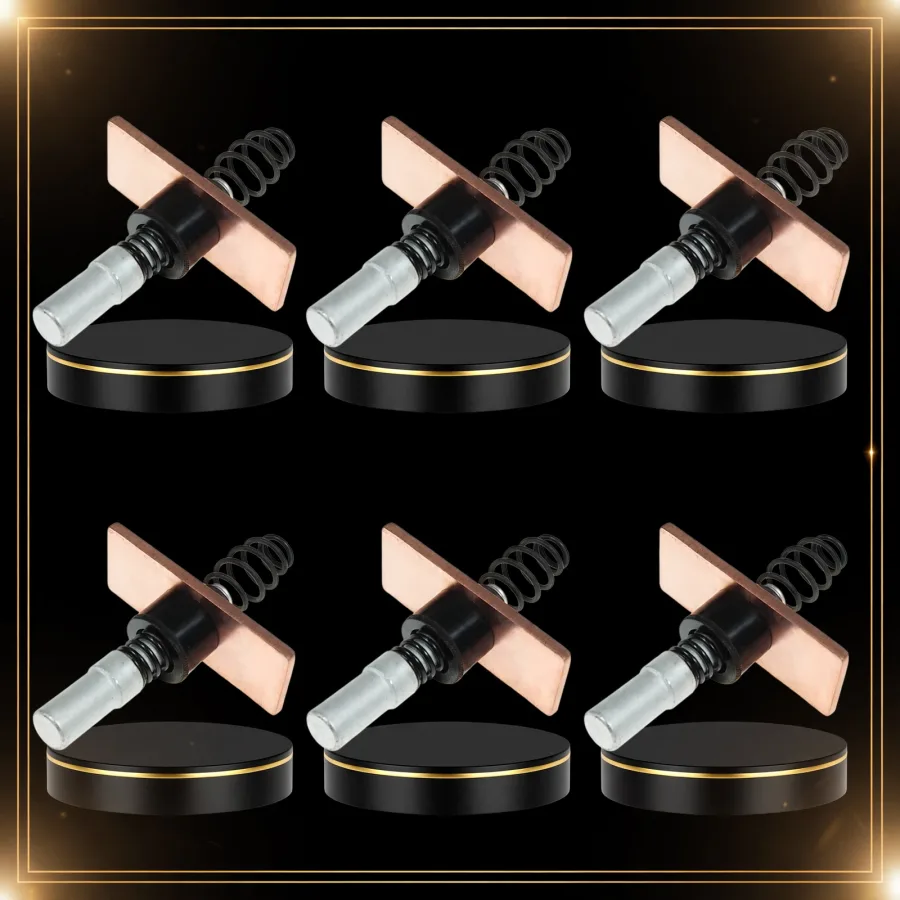 SOLENOID SPINDLE
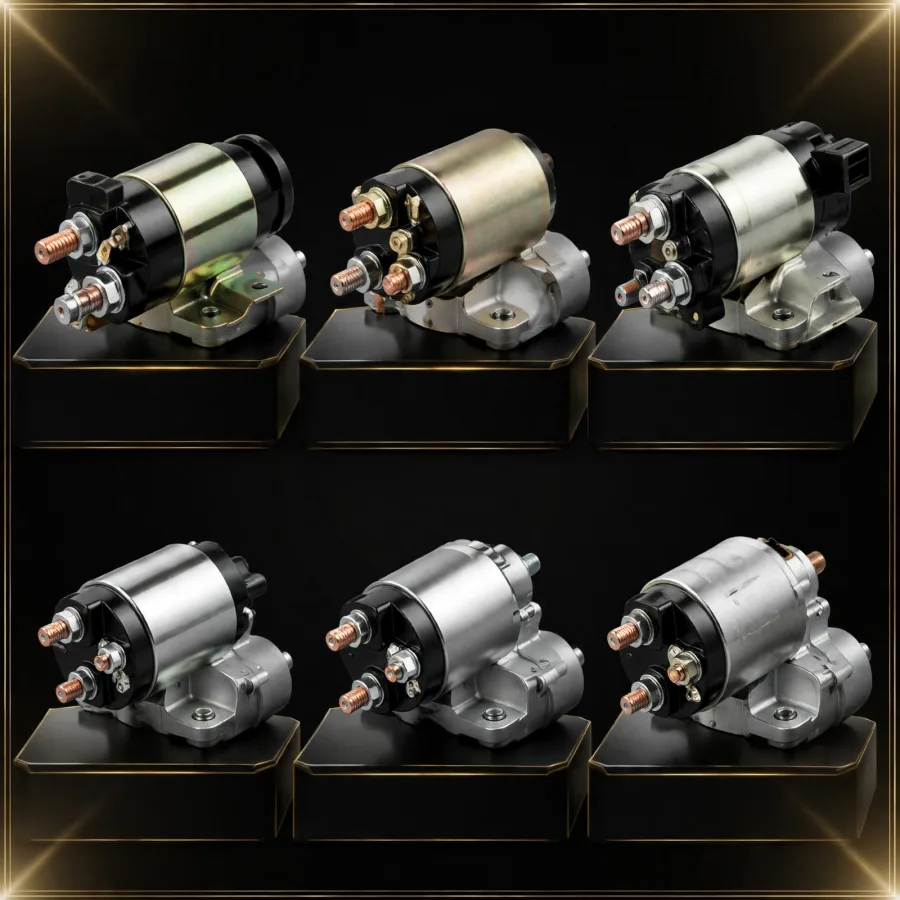 SOLENOID SWITCH
 STARTER BUSH
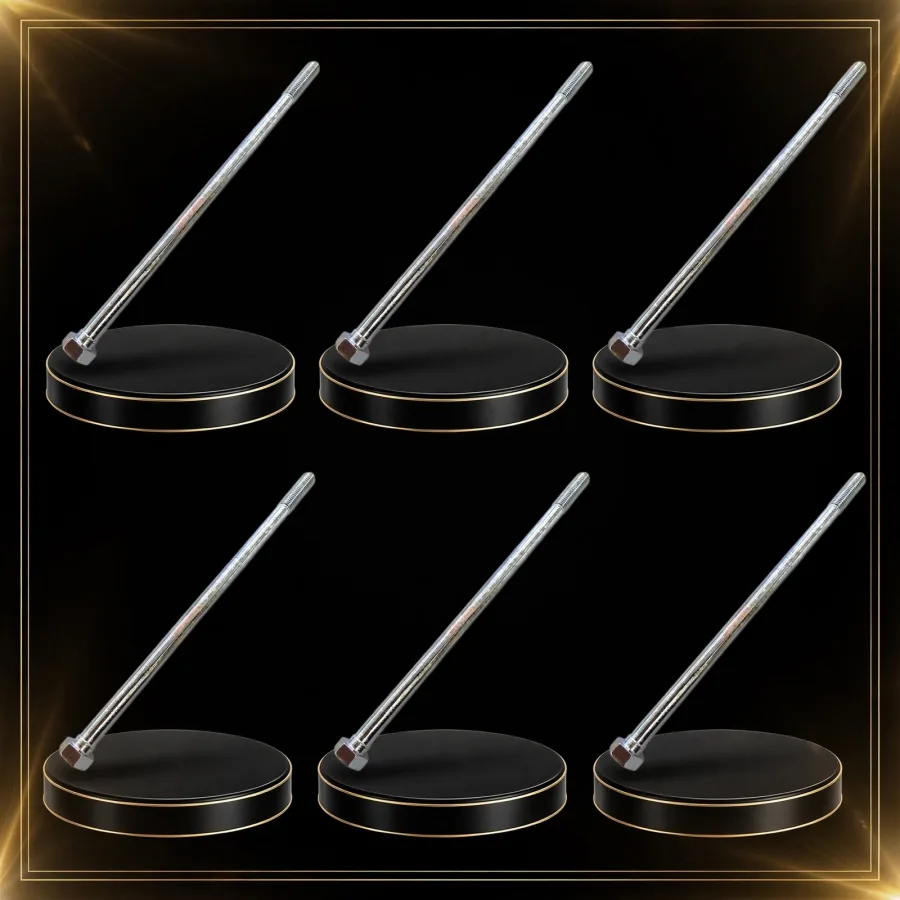 STARTER MOTOR STUD
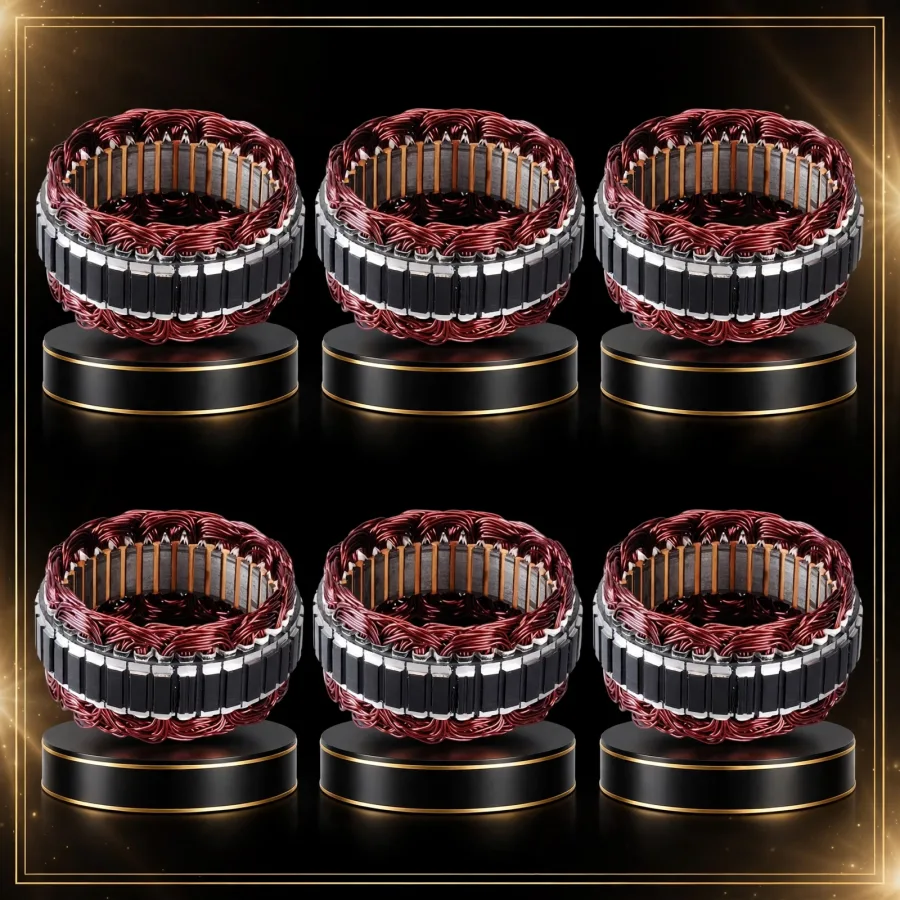 STATOR
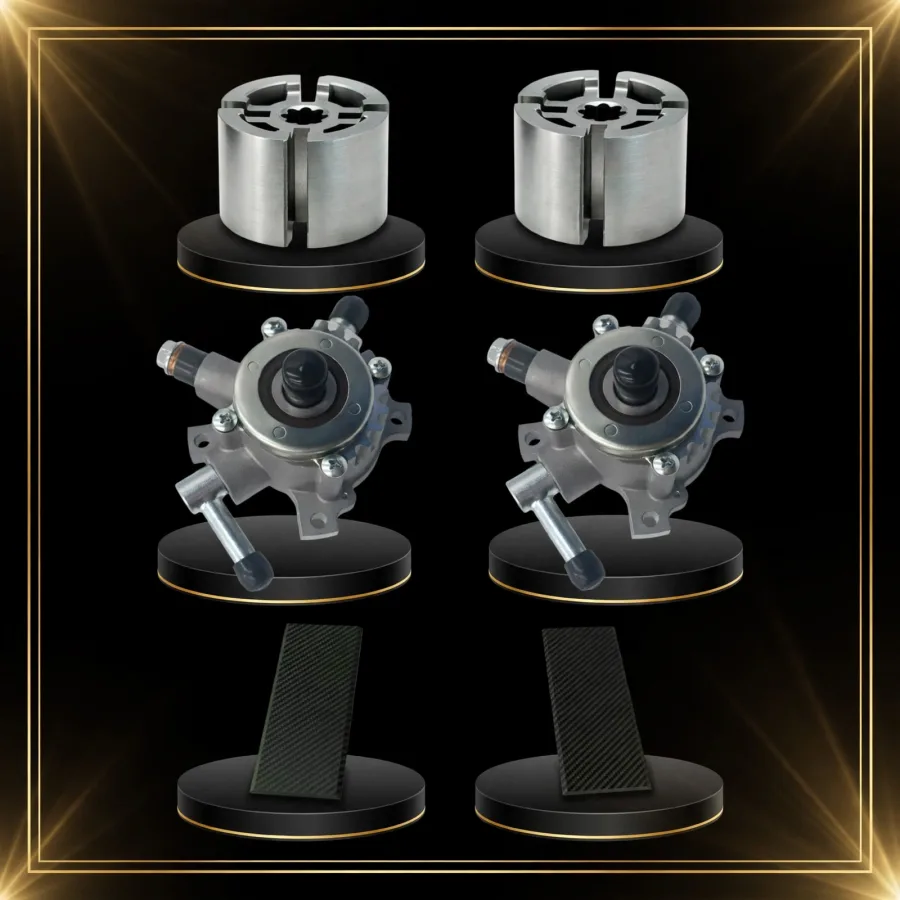 VACUUM PUMP & SPARES